
Create Your Childrens Christmas Cards
Pick how you want to start. Free to try, ready in about 20 seconds.
One Card, Six Styles
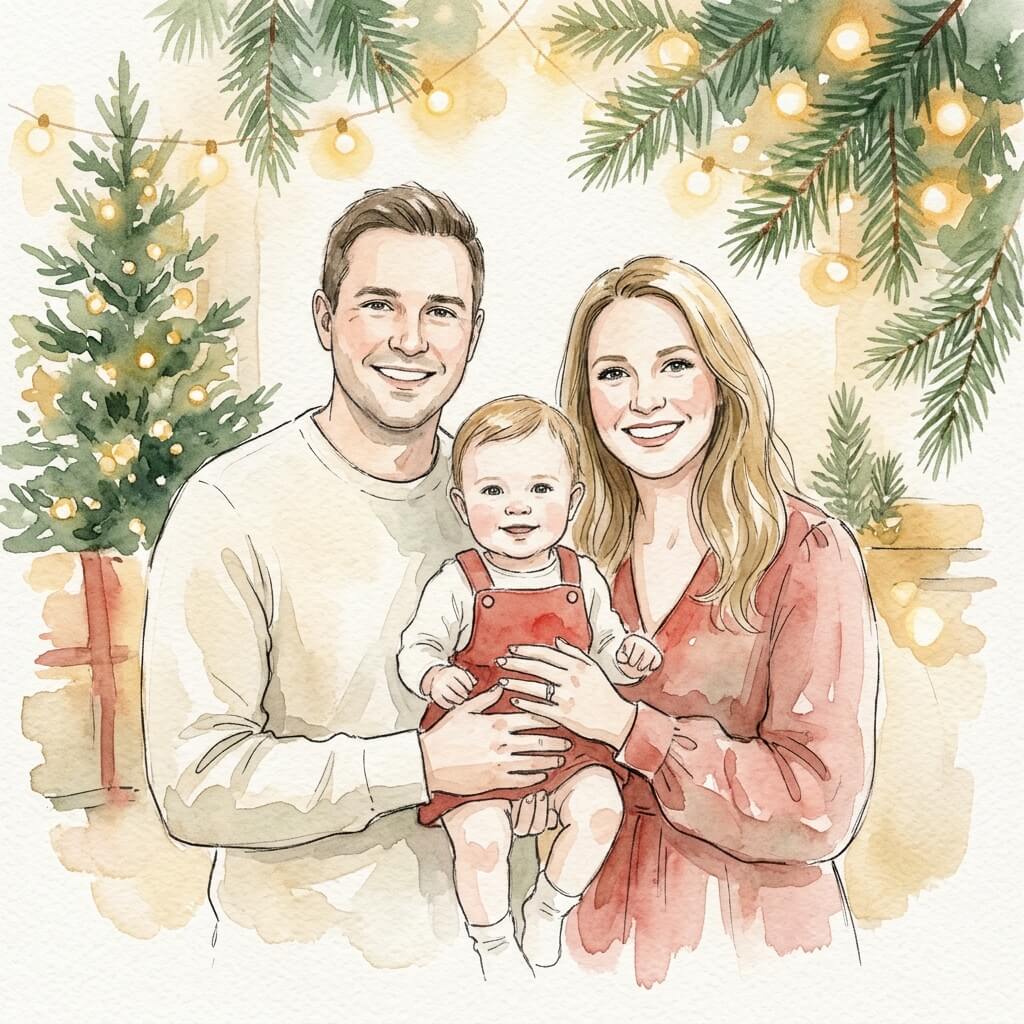
Watercolor
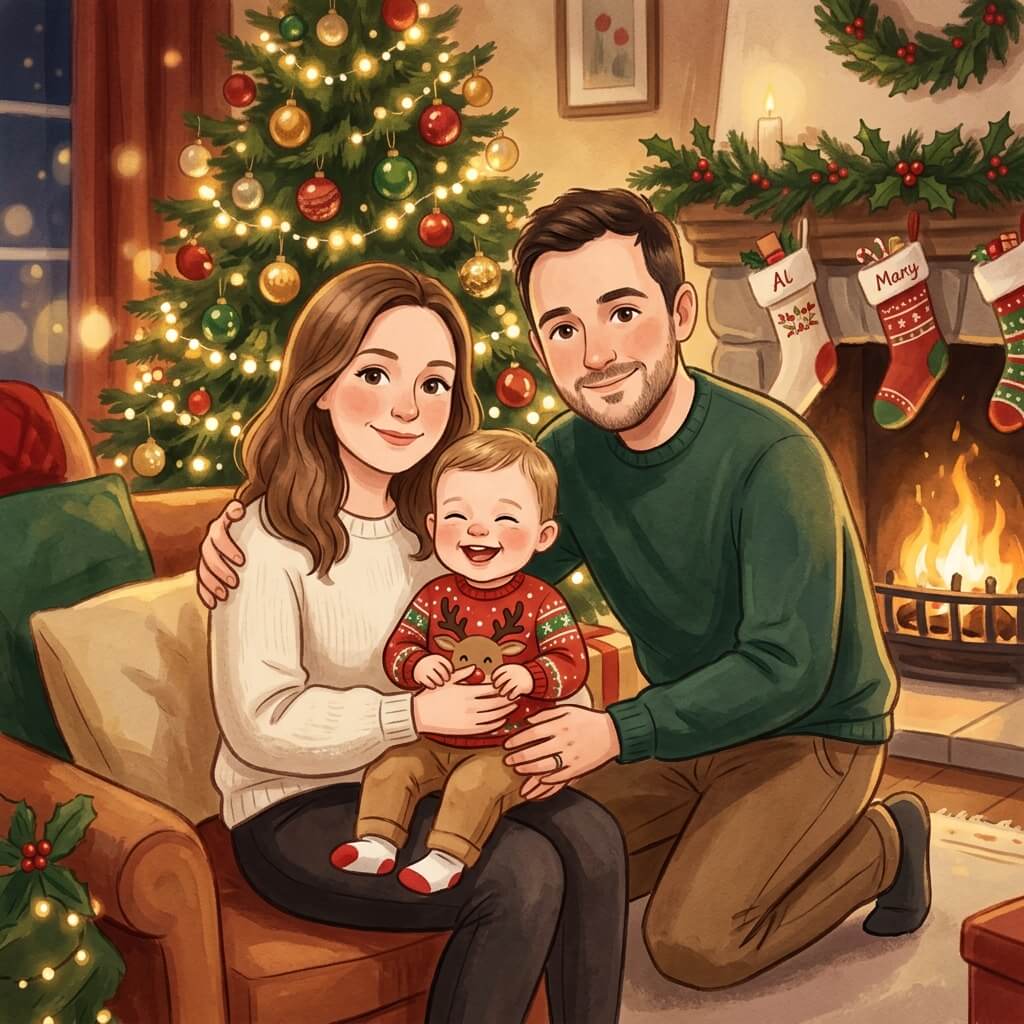
Storybook
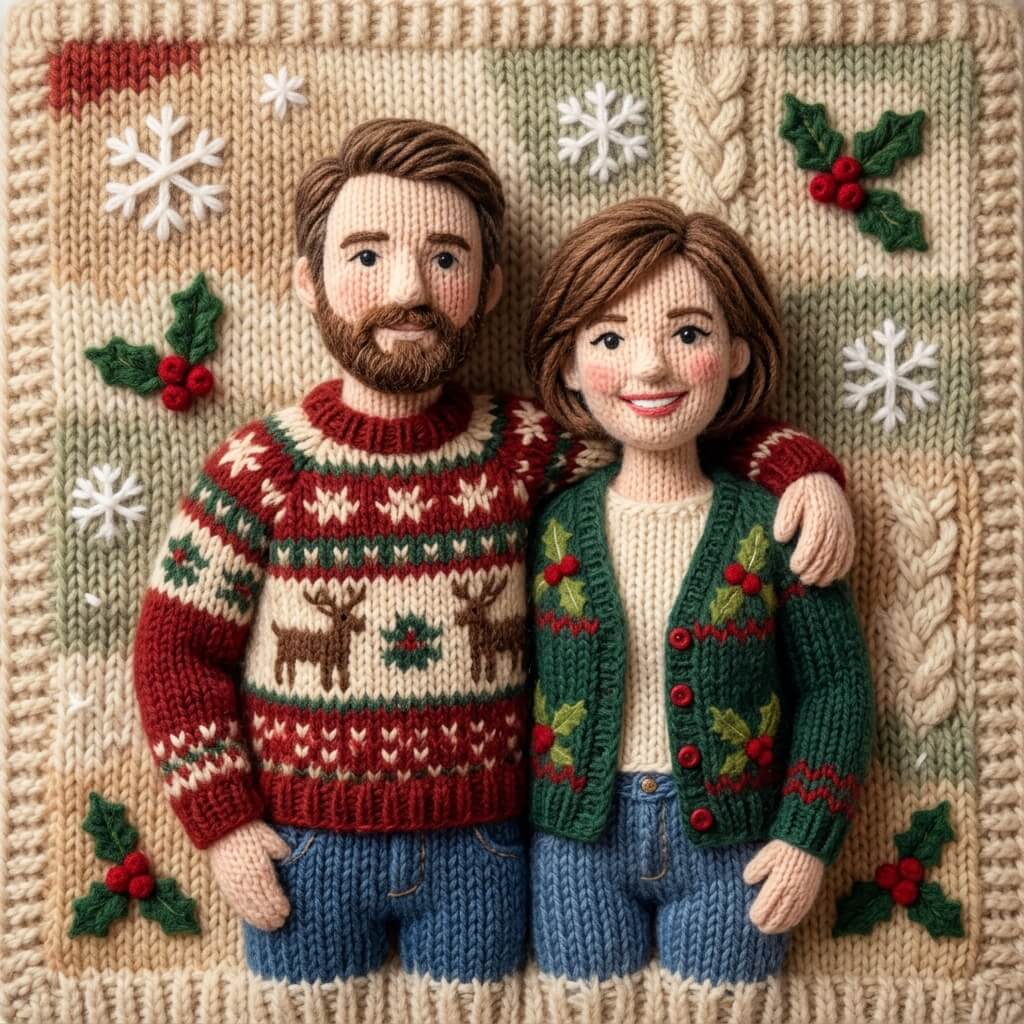
Knitted

Gingerbread

Vintage Postcard
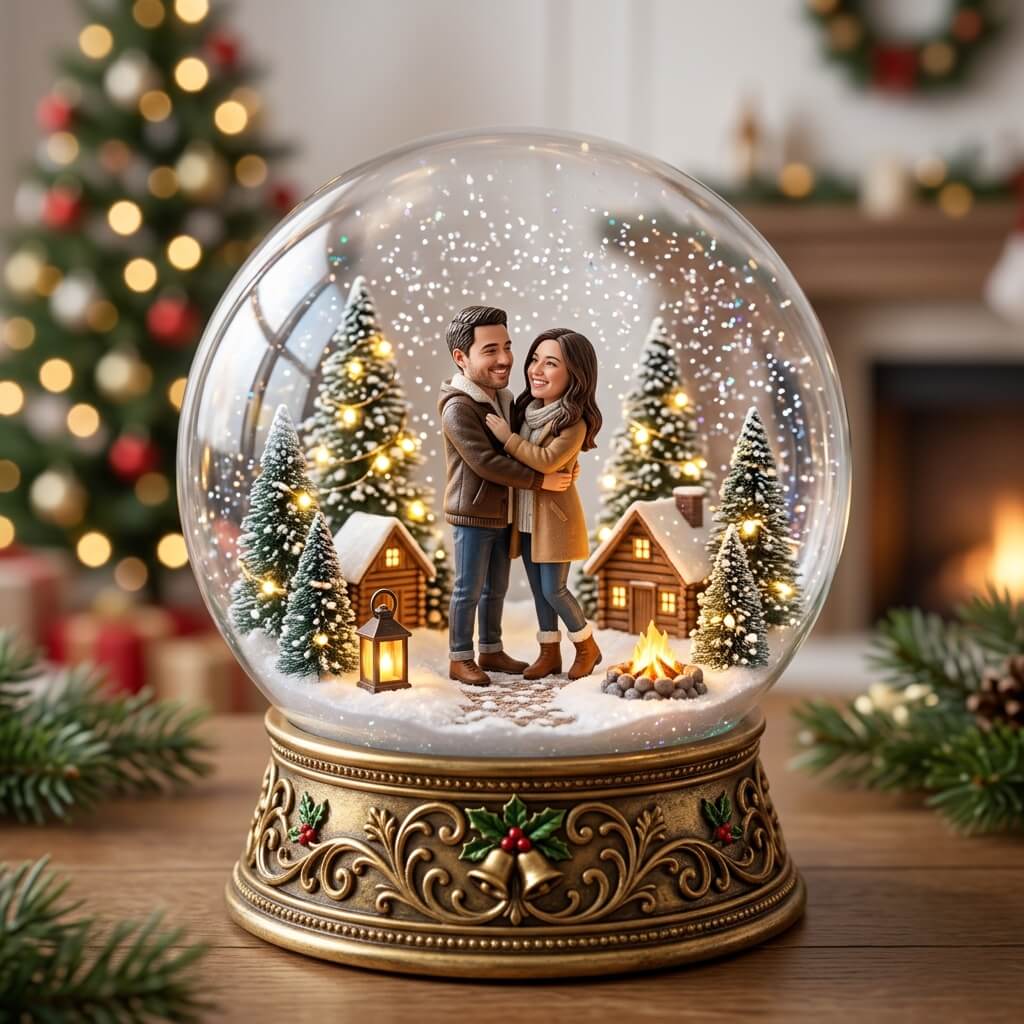
Snow Globe
How to Make Childrens Christmas Cards
01
Start with a photo, or without one
Choose With My Photo to turn a family picture into the card, or choose Illustrated Card for a festive scene with no photo needed.
02
Pick a style and add your words
Choose a style, watercolor through to snow globe, pick your color, and write your message. A free AI writer helps when the words will not come.
03
Share the link with anyone on your list
Send one link by message or email. The card opens in any browser as a sealed envelope they tap, with no app and no sign-up on their side.
What they open, with their name on it
The link opens as a sealed envelope with their name on it. One tap reveals the card, the message follows as they scroll, and the page stays at that address. Nothing to download, nothing to install, and nothing that expires in January on a card you have unlocked.
🎅 Create Free CardMore Christmas Cards Like This
Questions
How do I make childrens Christmas cards?
Choose a photo or a festive scene, pick one of six styles, write your message, and Christmas Cards builds the card in about 20 seconds. Nothing is printed and nothing is posted.
Are childrens Christmas cards free to make?
Yes. Every card is free to build and preview. A free card is watermarked, lower resolution, and its link lasts 24 hours. Unlocking removes all three limits.
Does the person receiving the card need an app?
No. The card opens in any browser from a single link, with no app to install and no account to create on their side.
Can I download the card as well as send it?
Yes. Every card can be downloaded at the moment it is generated, and shared by link at the same time.